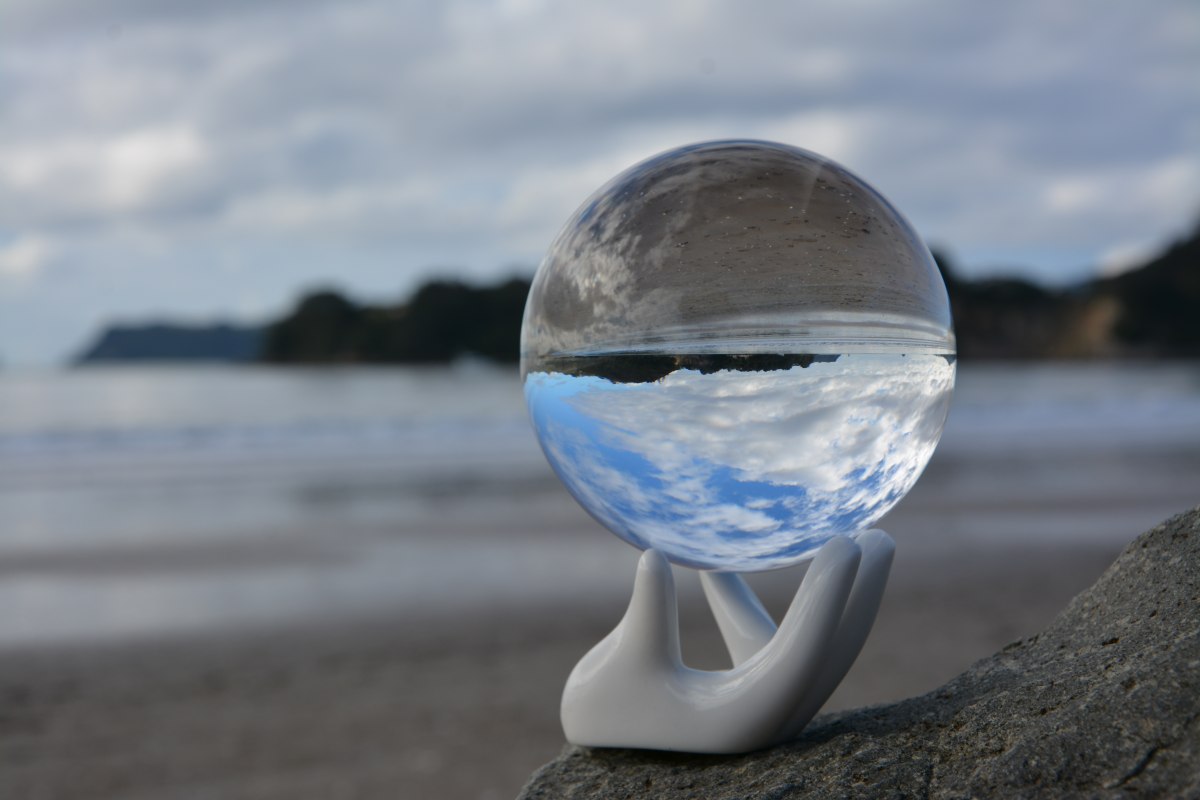
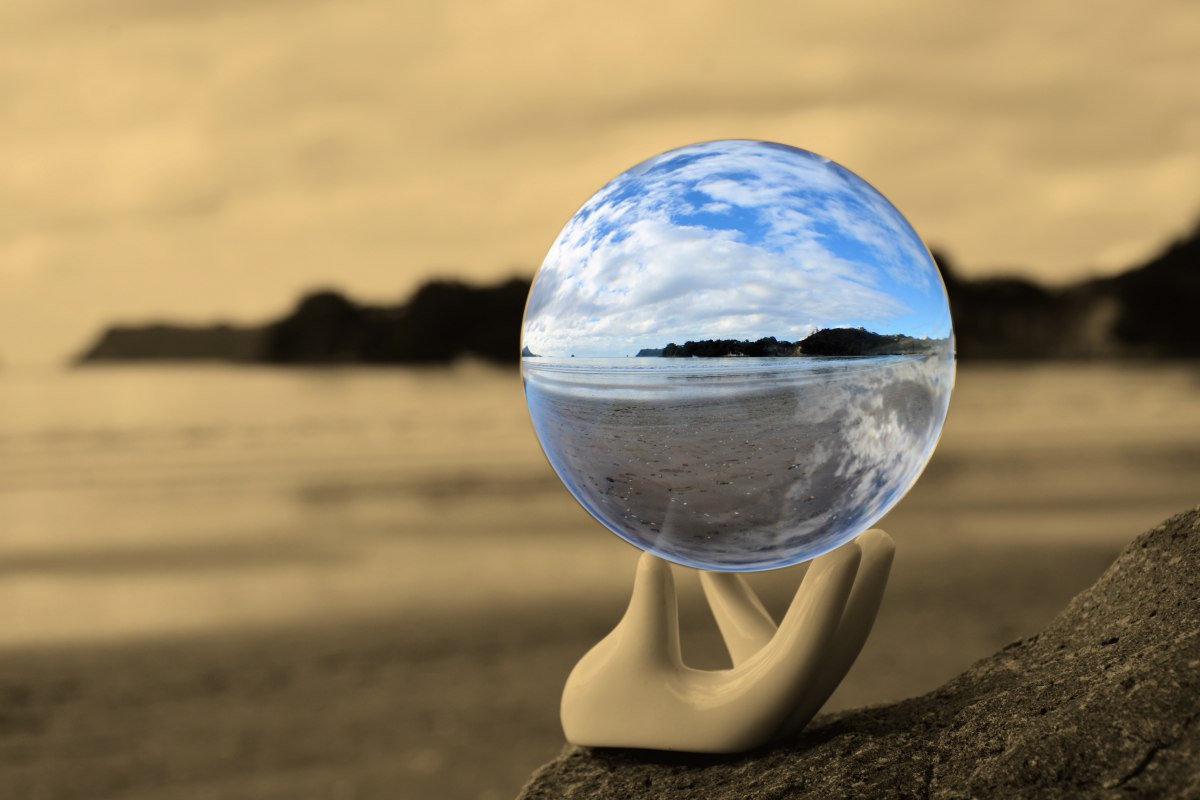
Move the slider to reveal the differences.
How did I do it?
Here is a photo I took of an 80mm Spheralens Crystal Ball at the beach in Whitianga on a rather dull day.
Photo taken with Nikon D7100 1/320 sec, f9, 45mm, ISO 100, Spheralens 80, ceramic hand stand.
Steps to obtain the final image.
1. Selected the inside of the ball with a circle tool in Paintshop Pro with a 5 pixel edge feather.
2. Rotated the selection 180 degrees.
3. Inverted the selection so the background was selected
4. Applied a mild sepia tone to the background, leaving the inside of the ball right way up & in colour for impact.
5. Save